The guides
Four plain walkthroughs covering the decisions that make a mount safe, comfortable and tidy. Read them in order, or jump to the one you need.
Guide 01
Choosing the right mount
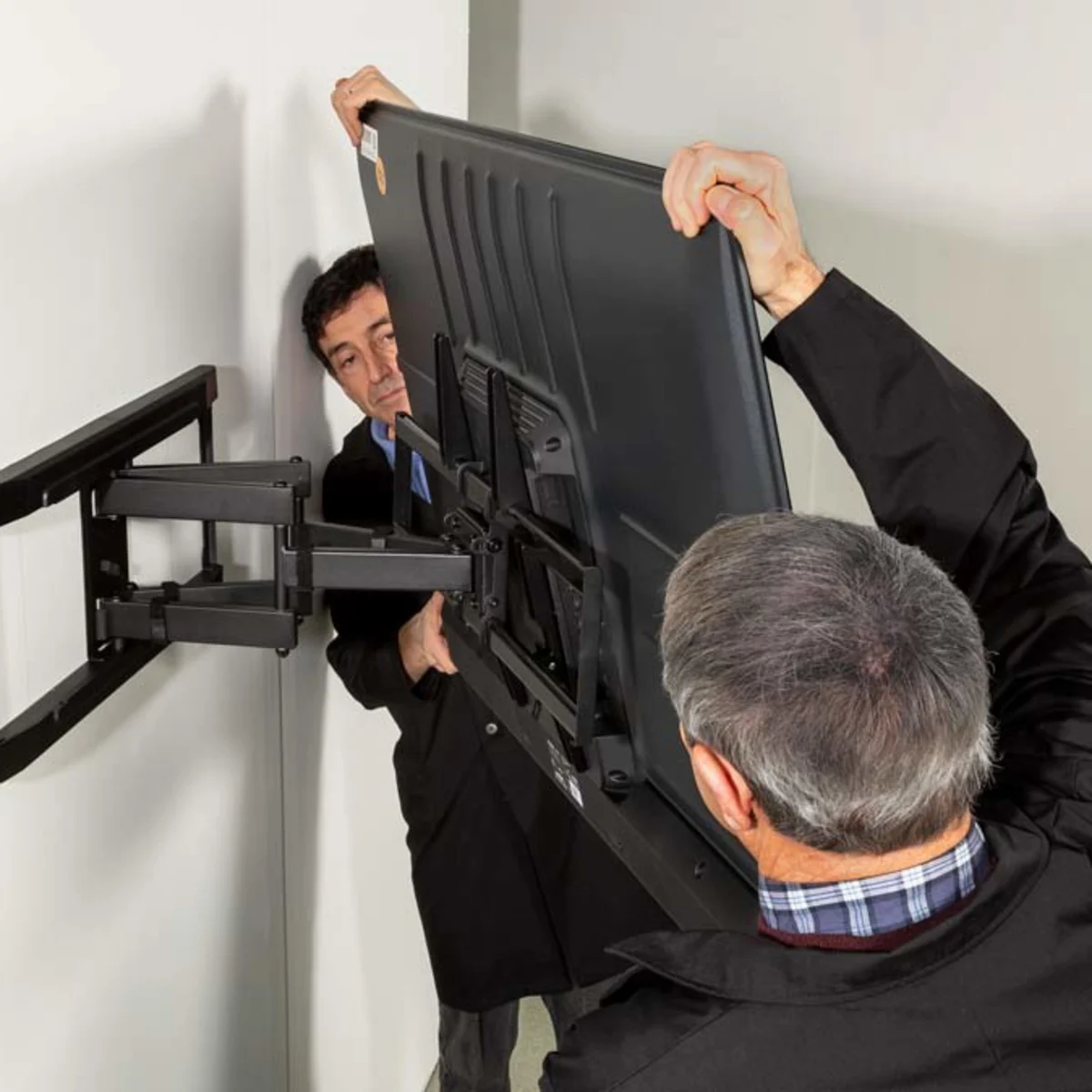
A mount is not just a bracket — it decides how the television behaves in the room for years. There are three common families, and the best one depends on where you sit and how the light moves.
Fixed (flat) mounts
The screen sits close and parallel to the wall. They are the slimmest and simplest, and there is less to loosen over time. They suit a room where seating faces the screen squarely and glare isn't a problem. The trade-off is that you can't adjust the angle later, so the placement has to be right the first time.
Tilting mounts
These let the screen pivot down a little. That matters when the TV sits higher than ideal — above a fireplace, say — because a downward tilt points the picture back toward seated viewers and cuts reflections from overhead lights and windows.
Full-motion (articulating) mounts
Arms let the screen extend, swivel and tilt. They're the most flexible and the most useful in open-plan rooms or kitchens where you watch from more than one spot. They also cost more, weigh more, and put more leverage on the wall — which raises the bar for how solid your fixing points must be.
Check the VESA pattern first
Every mount and television share a standard called VESA — the spacing of the mounting holes on the back of the screen, in millimetres (for example 200×200 or 400×400). A mount only fits if its range covers your TV's pattern and weight. Both numbers are in your TV's manual.
Guide 02
Knowing your wall
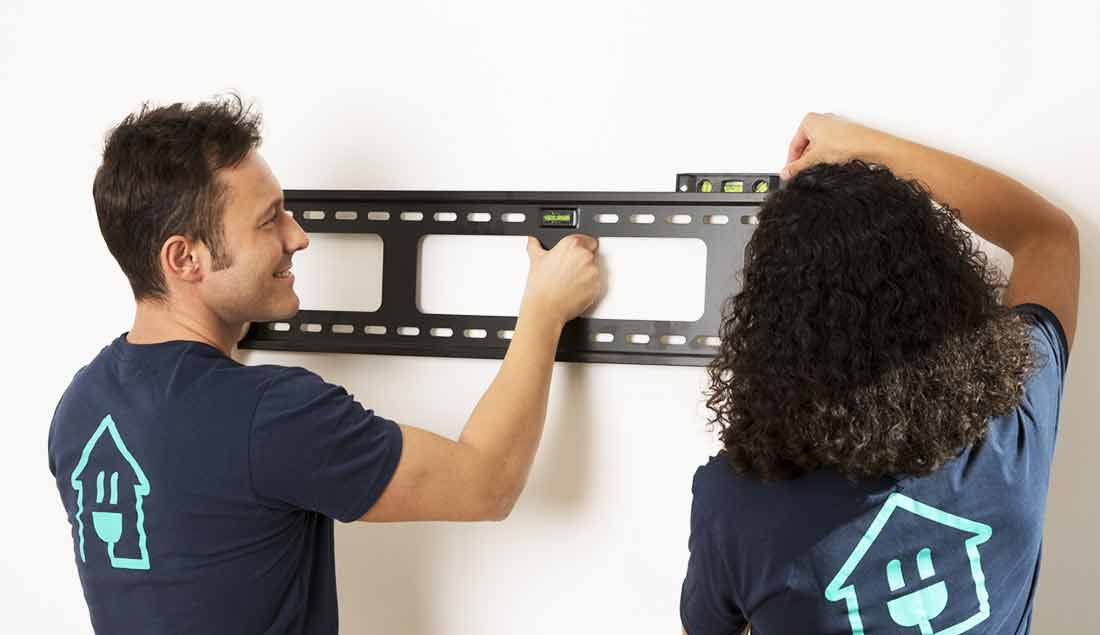
The wall, not the bracket, is what actually holds your television up. Before anything else, work out what you're drilling into and where the strong points are.
Common wall types
- Solid masonry or brick. Dependable for heavy screens when you use the correct plugs and fixings for the material.
- Stud partition (plasterboard on a timber or metal frame). The board alone holds almost nothing; the load must land on the studs behind it.
- Concrete. Very strong, but needs the right drill bit and anchors — and sometimes a professional's tools.
- Panelled, tiled or hollow walls. Treat with caution; what's behind the surface decides everything.
Finding solid fixings
On a stud wall, a stud detector helps you locate the timber or steel uprights, usually spaced a regular distance apart. Fixing into two studs spreads the load and resists the leverage a moving arm creates. On masonry, you have more freedom, but the plug must match the brick or block.
Before you drill: what's hidden?
Walls carry electrical cables and sometimes pipes, often running vertically above sockets and switches or horizontally near the ceiling. A combined cable-and-pipe detector is inexpensive and prevents a dangerous mistake. If you're unsure what's behind the plaster, stop and ask a qualified tradesperson.
Guide 03
Height & placement
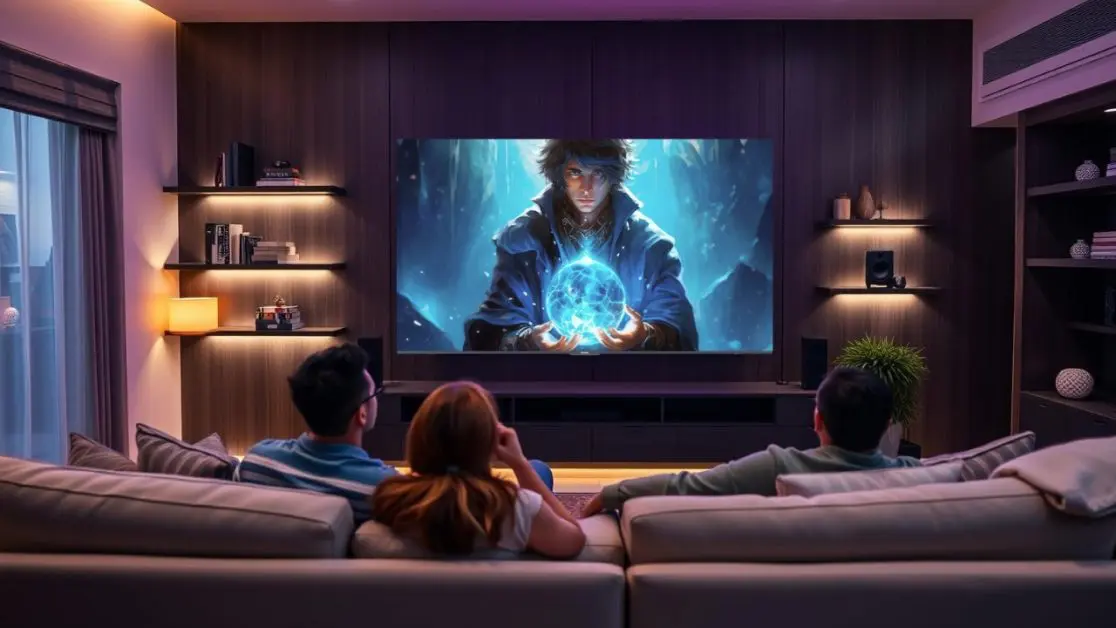
The single most common mistake is mounting a TV too high. A screen set for a wall looks wrong for the people in front of it, leaving necks craned upward for hours.
Start from where you sit
Comfortable viewing puts the centre of the screen roughly at eye level when you're seated in your usual spot. In most living rooms, seated eye level lands somewhere around a metre to a little over a metre from the floor — so the screen's midpoint is often lower than instinct suggests.
Measure, don't guess
- Sit where you normally watch and note your eye height from the floor.
- That height is your target for the centre of the screen.
- Work out where the top of the TV lands, and mark the bracket position from there.
- Hold a paper template or the mount against the wall and live with it for a minute before committing.
When the TV has to go higher
Above a fireplace or in a bedroom viewed while lying down, eye-level isn't possible. That's exactly where a tilting mount earns its place — angling the picture back toward you so the geometry still works.
Mind the glare
Note where windows and lamps sit. A screen placed opposite a bright window will fight reflections all day. Sometimes shifting the TV a little, or choosing a tilt, solves a glare problem that no picture setting can.
Guide 04
Cable management
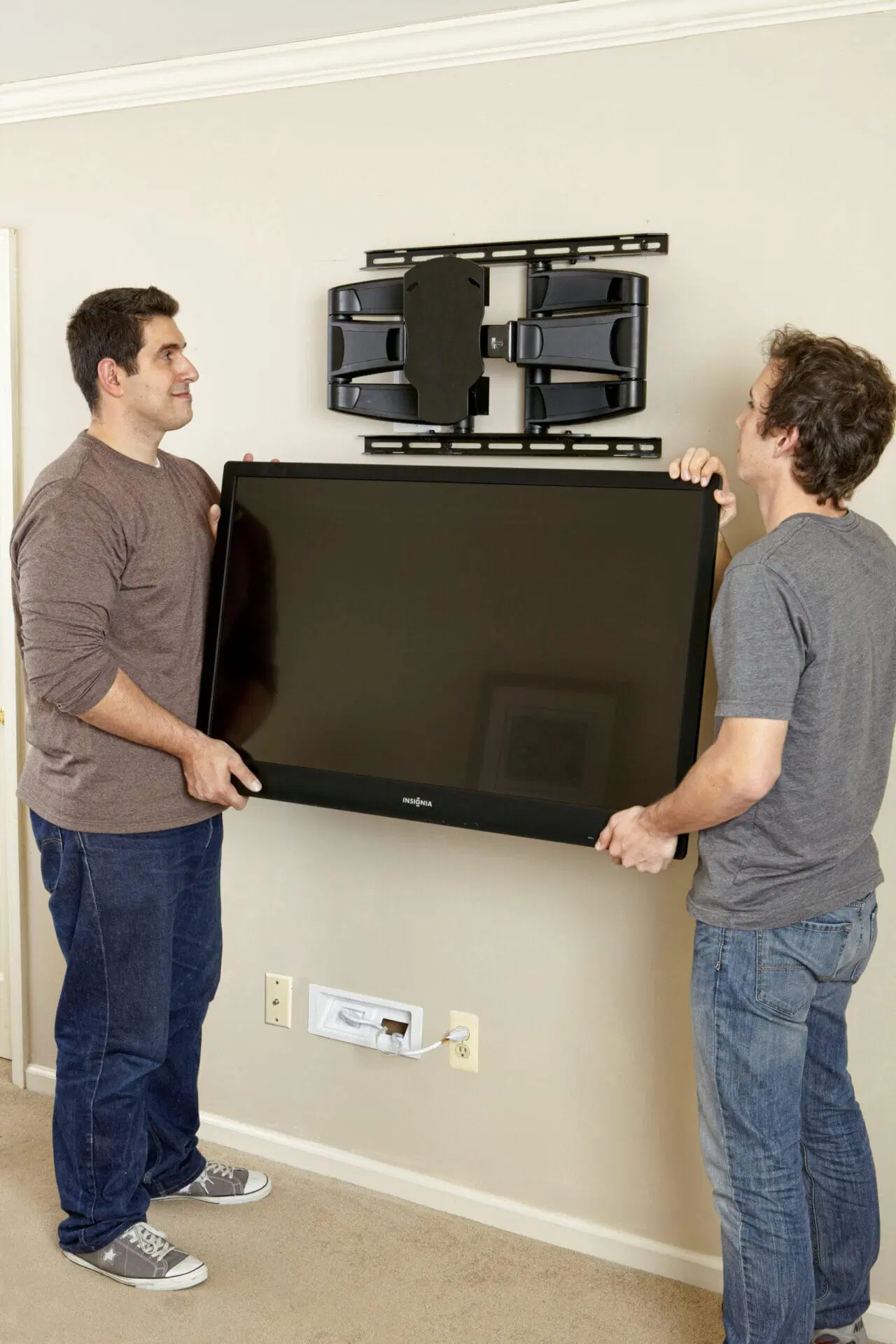
A clean mount is ruined by a tangle of cables hanging beneath it. Good cable management is mostly planning — deciding where power and signal travel before the screen goes up.
Surface routes (tidy and reversible)
Paintable trunking or a slim raceway runs cables down the wall inside a channel you can paint to match. It's the simplest tidy option, damages nothing permanently, and is easy to open later when you add a device.
In-wall routes (cleaner, more involved)
Running cables inside the wall gives the cleanest look, but mains power must never be run behind a wall with ordinary extension leads. Hiding power correctly means a properly installed outlet behind the screen — electrical work that, in many places, should be done or signed off by a qualified electrician. Low-voltage signal cables (HDMI and similar) are more forgiving, but still need the right rated cable for in-wall use.
Keep it serviceable
- Leave a little slack so a full-motion arm can move without straining a plug.
- Label cables where several meet, so future-you isn't guessing.
- Group and secure with reusable ties rather than taping everything down.
Where DIY stops
If a tidy result depends on new mains wiring or a new outlet, that's the point to bring in a professional. A neat cable run is never worth an electrical risk. See our safety page for the full picture.
Still weighing it up?
The FAQ answers the questions people ask most once they've read the guides.